
Self-hosted cloud & local AI —
Nextcloud + Ollama on Docker
Two privacy-first Docker deployments running on the same home server: Nextcloud (replacing Google’s productivity suite) and Ollama with Open WebUI running large language models locally with no data leaving the machine.
Overview
Both of these projects share the same underlying motivation: keeping personal data under personal control. Nextcloud replaces the Google and Microsoft services that most people use without thinking: Drive, Photos, Calendar and Teams. With Nextcloud, I have self-hosted equivalents where every file and message stays on hardware I own. Ollama takes the same principle but to AI: instead of sending queries to OpenAI or Google’s servers, models run completely locally on the server’s CPU (currently working to enable GPU acceleration with an old graphics card I had to improve speed).
Both services run as separate Docker Compose stacks on the same Fedora Server, managed independently with their own networks and volumes. Nextcloud is exposed to the internet via Tailscale Funnel for convenient access from any device. Ollama and Open WebUI stay private (accessible only over the Tailnet) because a local AI assistant has no reason to be public-facing.
Part 1 — Nextcloud
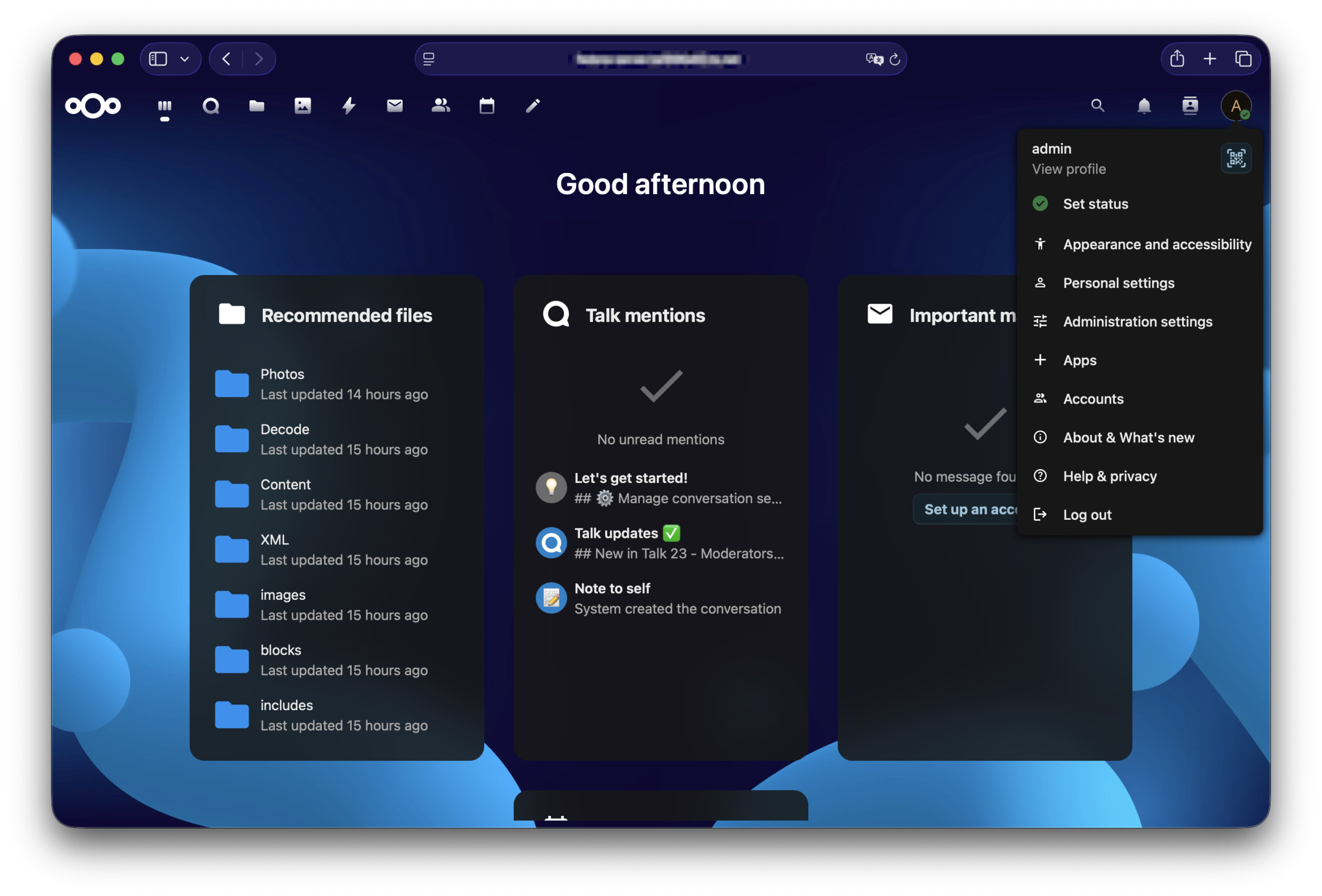
Nextcloud is an open-source platform that covers everything Google Workspace provides. From file sync, to photo backups, to calendar and team messaging, all self-hosted on my own hardware. Running it in a RAID 1 array with a MariaDB backend means the data is both redundant and stored on a proper production-grade database rather than something like SQLite.
What Nextcloud replaces
Nextcloud architecture
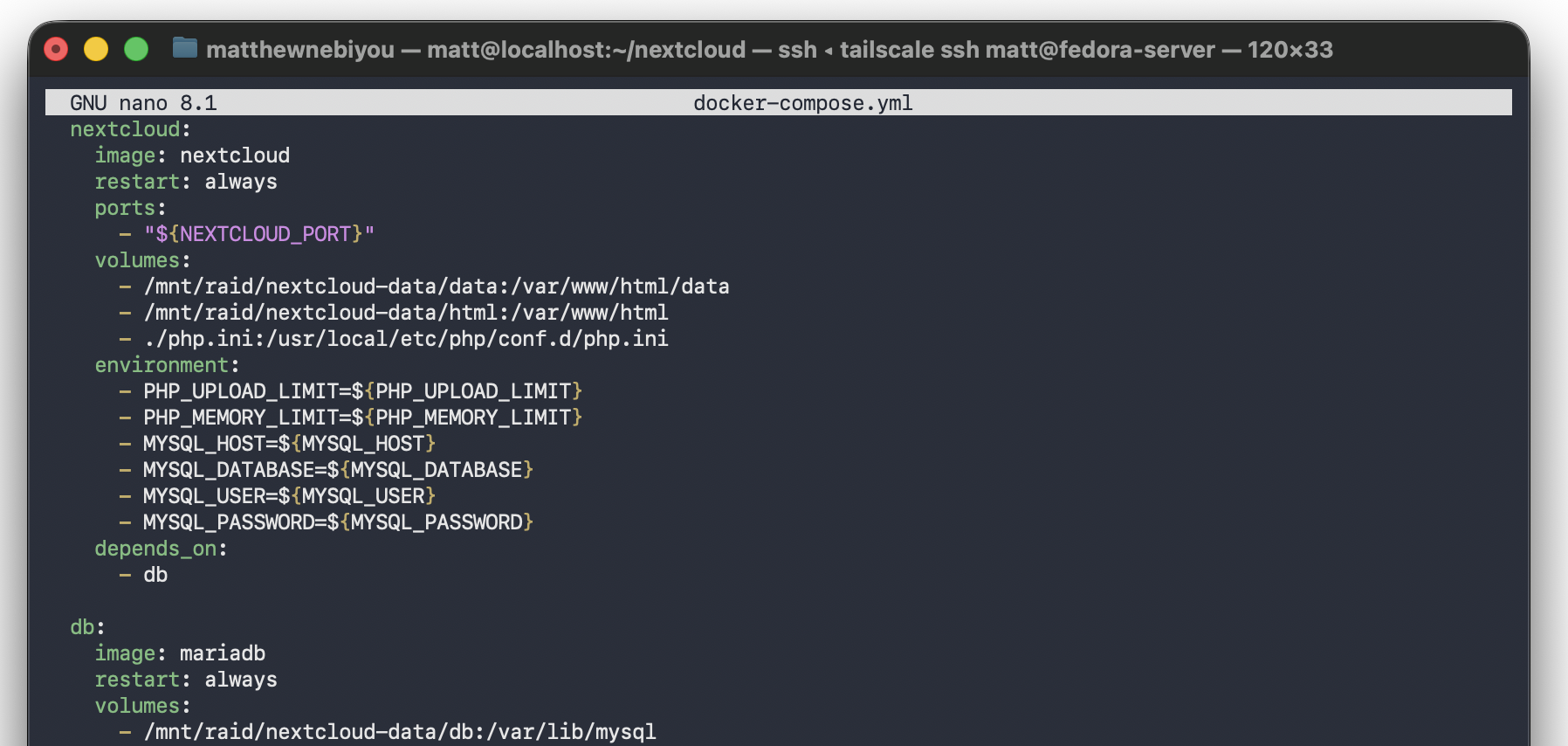
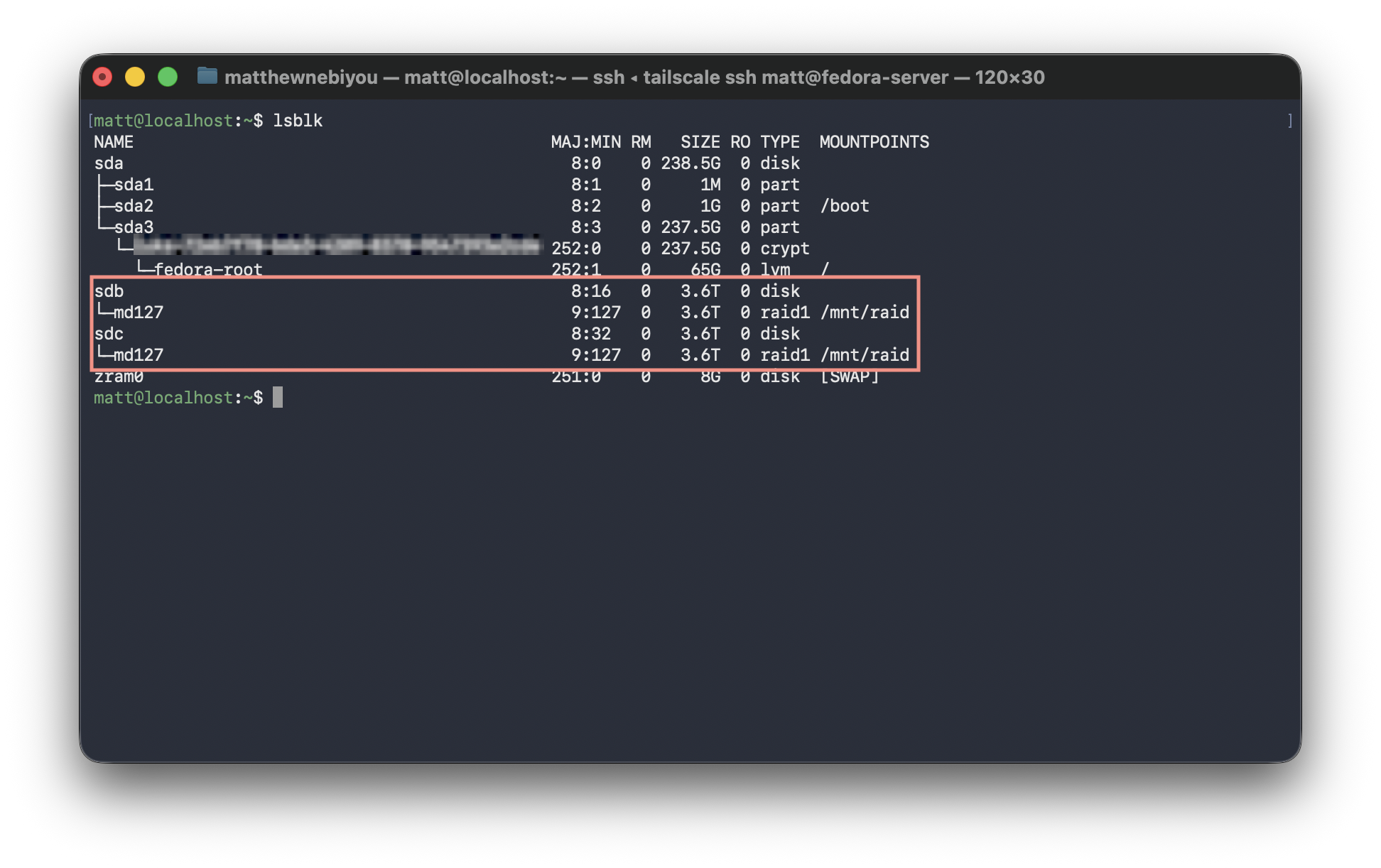
Tailscale Funnel for public access: Rather than opening a port on the router and managing SSL/TLS certificates manually, Tailscale Funnel proxies HTTPS traffic from a public *.ts.net subdomain directly to the Nextcloud container. TLS is handled automatically. The router has zero open ports: the server never directly accepts connections from the public internet.
Part 2 — Ollama + Open WebUI
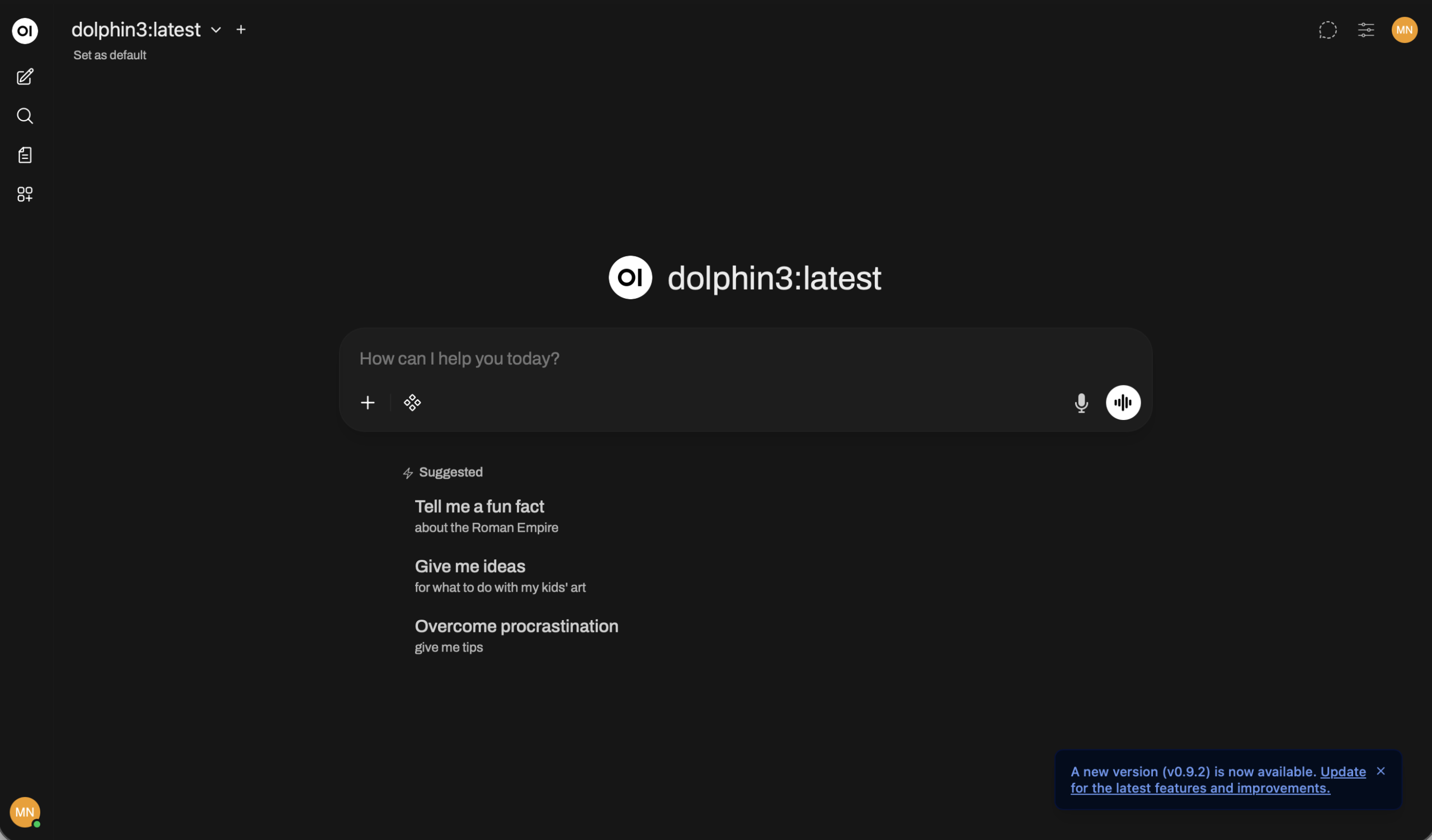
Ollama is an open source runtime for running large language models locally. It pulls models from a registry much like Docker pulls container images, and then serves them via a local API. Open WebUI sits on top of it, providing a polished ChatGPT-like interface that mirrors the experience of many popular chatbots but with one critical difference: every token is processed on the server’s hardware and never leaves my machine.
Running Dolphin3 locally means I can use an AI assistant for coding help, research and general conversation without any of that content going to a third-party API. For security work in particular (where queries might involve vulnerability details or sensitive configurations) keeping that inference local is the way to go.
Local vs cloud AI — the trade-off
- Every query sent to third-party servers
- Prompts may be used for model training
- Sensitive content leaves your machine
- Dependent on internet connectivity
- Subject to rate limits and API costs
- Provider can read conversation history
- All inference runs on local hardware
- Zero data sent externally — ever
- Safe to use with sensitive queries
- Works fully offline once model is pulled
- No usage limits or API costs
- Complete control over model and history
Ollama + Open WebUI architecture
What I use it for
Running LLMs on constrained hardware: The AMD FX-8320 is CPU-only — no GPU acceleration yet. This means inference is much slower than a cloud API, but perfectly usable for a personal assistant. Choosing the right model size is a balancing act between response quality and how much RAM and CPU the model consumes as there are other services like Wazuh and Nextcloud that need to keep running alongside it.
What I learned
.env files and depends_on ordering built a solid understanding of how containerized applications are structured.